
Meet Sign Up "How To"
How to Declare Meet Attendance for your Swimmer
Under Up Coming Events on Left side
Click on "View All"
Click on the dual meet you want to sign up for - i.e. June 1, June 10, June 17, and June 22
Click on the blue Meet Entry button (Shown in green below).
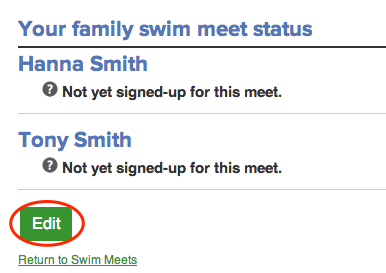
Click Edit to add or change their attendance and relay declarations.
You do not need to choose 3 individual events - the coaches will determine that for all swimmers and will put them in events where they will be successful!
Select an attendance option from the drop-down menu next to each swimmer's name.
Make sure you click "SAVE"
Please repeat for ALL swimmers on your families account
Text Area
Simple formatted text


